
MAKE MOTION HIT HARDER.
Radial Blur GPU gives you smooth Spin and Zoom blur directly inside Premiere Pro and After Effects, fast enough to keep experimenting.
Pr Premiere Pro
Ae After Effects
Built for GPU playback
Effect Controls / Radial Blur GPU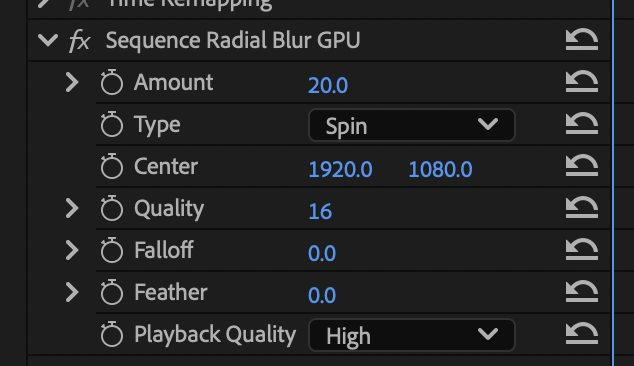
CONTROL THE LOOK
Start with Spin or Zoom, then push the effect exactly as far as the shot can take. Every control is there for a reason, and nothing is buried.
Amount + CenterDecide the strength of the blur and its focal point.
QualityDial in how smooth the blur looks.
Falloff + FeatherKeep the effect sharp, soft, or somewhere between.
Playback QualityStay responsive while you keep cutting.